#
Engine Related
Contains callbacks that are related to the modification of the Engine. (engine.dll)
#
OverrideMaterialConfig()
Allows you to change the way all world materials are rendered.
Returning true will change the internal value nFullbright (mat_fullbright).
Example:
    hood.Add("OverrideMaterialConfig", "MyAwesomeOverrideMaterialConfigCallback", function()
        return true
    end)
Result:
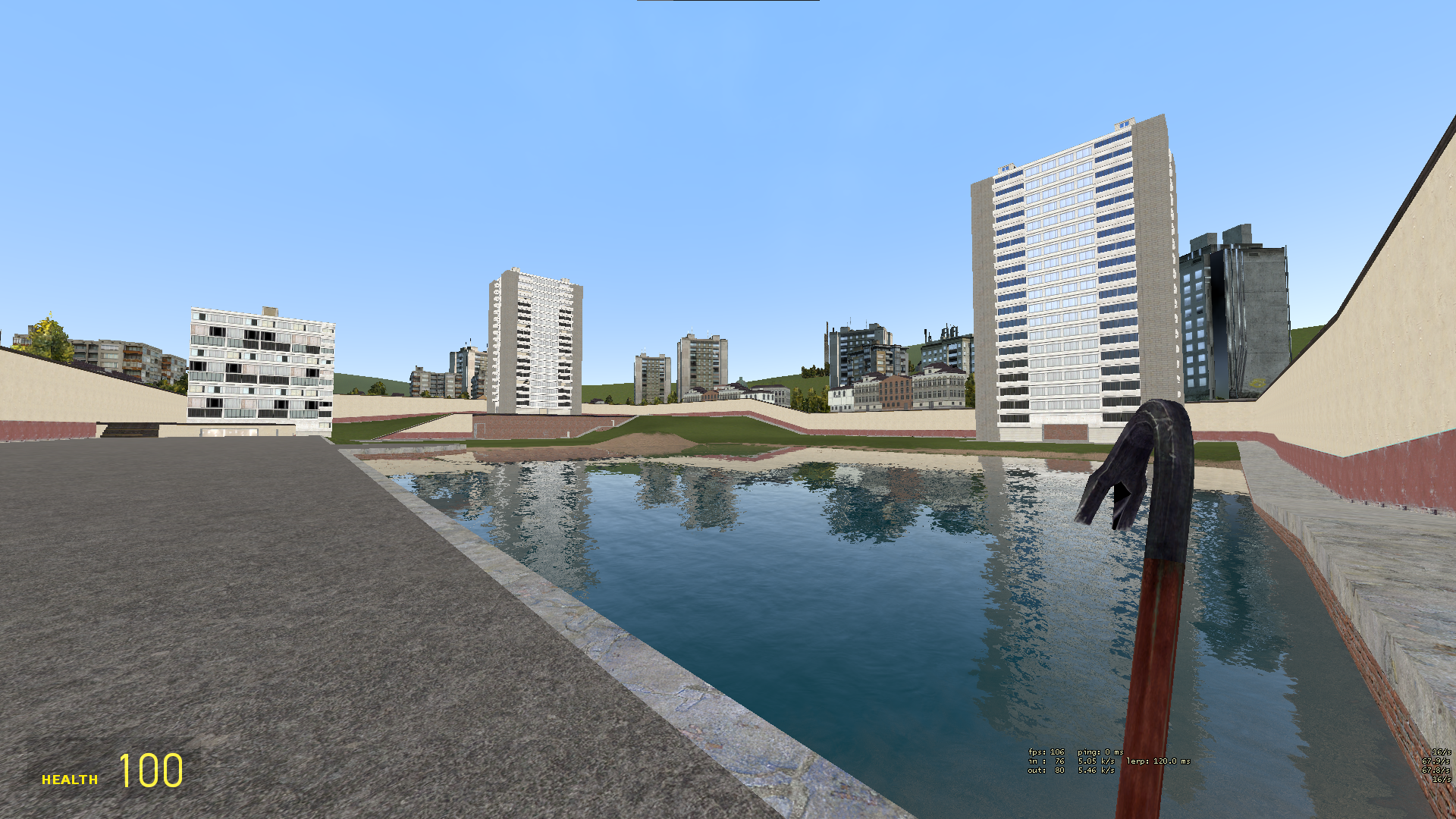
#
AccumulateTime()
Allows you to change the in-game timescale of the game (host_timescale).
This interally controls a multiplier, so returning 2 would make the game run at 2x speed.
Example:
    hood.Add("AccumulateTime", "MyAwesomeAccumulateTimeCallback", function()
        return 0.5 -- The game now runs at half speed.
    end)
#
ClientInterp()
Controls the game's internal interpolation amount (cl_interp).
Example:
    hood.Add("ClientInterp", "MyAwesomeClientInterpCallback", function()
        return 0 -- Everything is now uninterpolated!
    end)
Important
You must adjust your CUserCmd's tickcount to accommodate for this interpolation change.
The ConVar itself isn't changed, so the game still thinks you have whatever cl_interp is.
#
AspectRatio()
Allows you to change the aspect ratio of your view. \
Example:
    hood.Add("AspectRatio", "MyAwesomeAspectRatioCallback", function()
        return 0.7
    end)
Result:
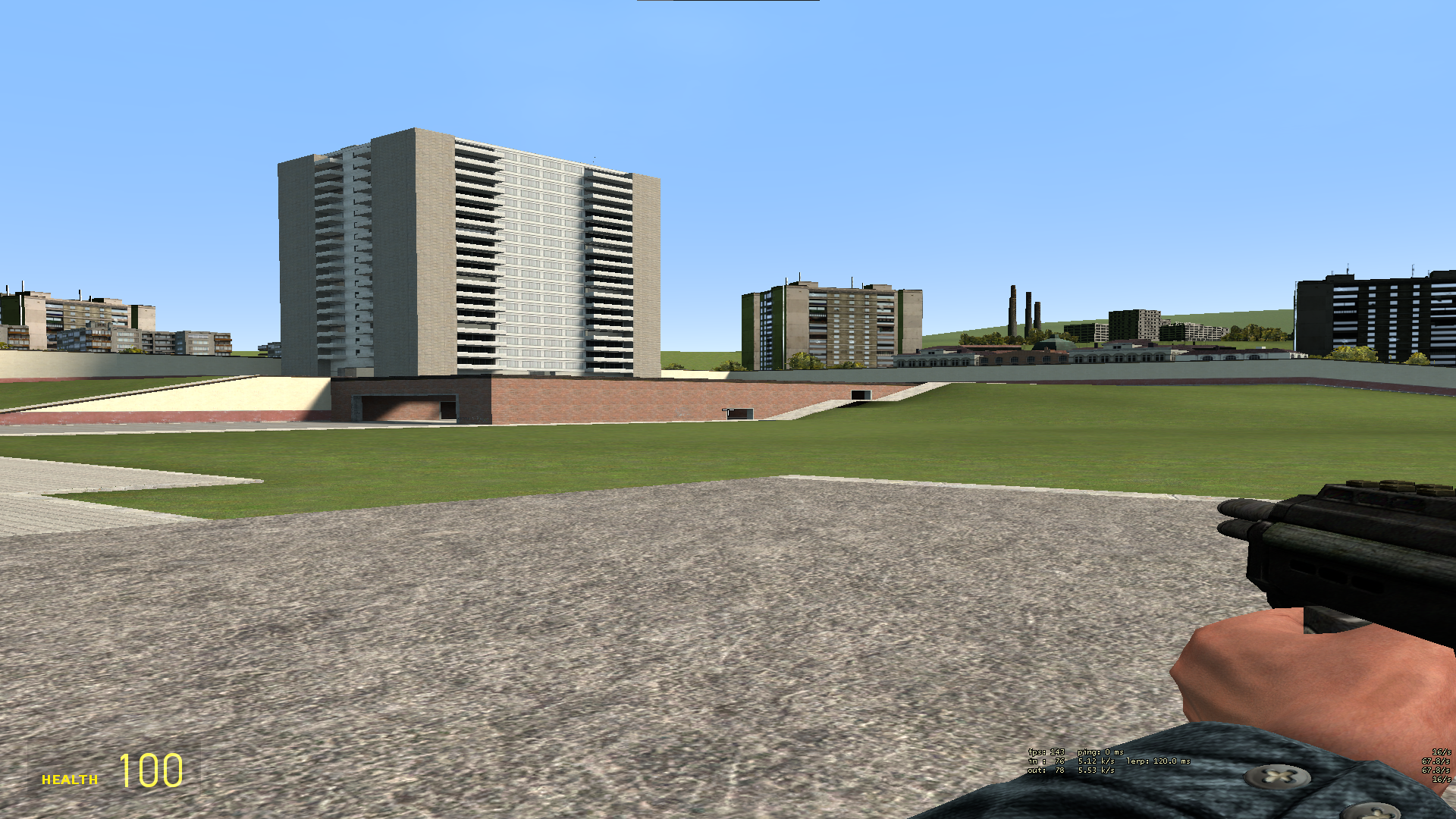
#
CL_Move(number flAccumulatedExtraSamples, bool bFinalTick) (Pre)
Called before the client processes movement commands. This is the engine's internal movement processing hook.
Arguments:
numberflAccumulatedExtraSamples - Accumulated extra simulation ticksboolbFinalTick - If this is the final tick in the current frame
Return true to block it from running.
#
GAMEMODE:*
Called every time the engine pushes a gamemode hook.
This works the exact same way as the hook library.
You can find a list of every gamemode hook here.
This does not work for hooks created in Lua.
Example:
hood.Add("GAMEMODE:CreateMove", "AwesomeGamemodeHook", function(cmd)
    print("Wow! " .. tostring(cmd))
end)
Output:
Wow! CUserCmd [1738]